
Adding Custom Badges to your GDPS
This guide will show you how to add custom badges to your players in-game using the GDPS Badges mod!
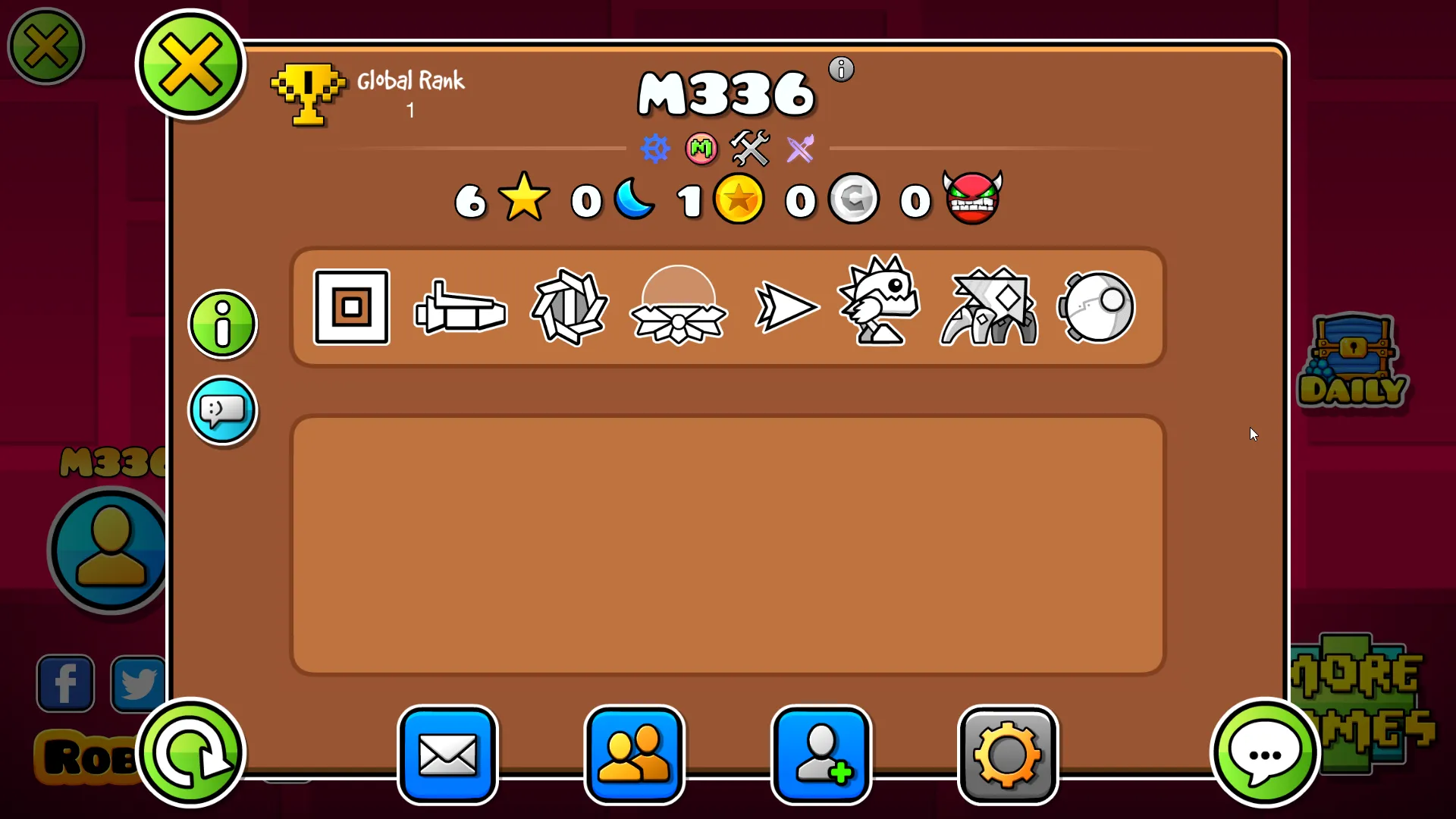
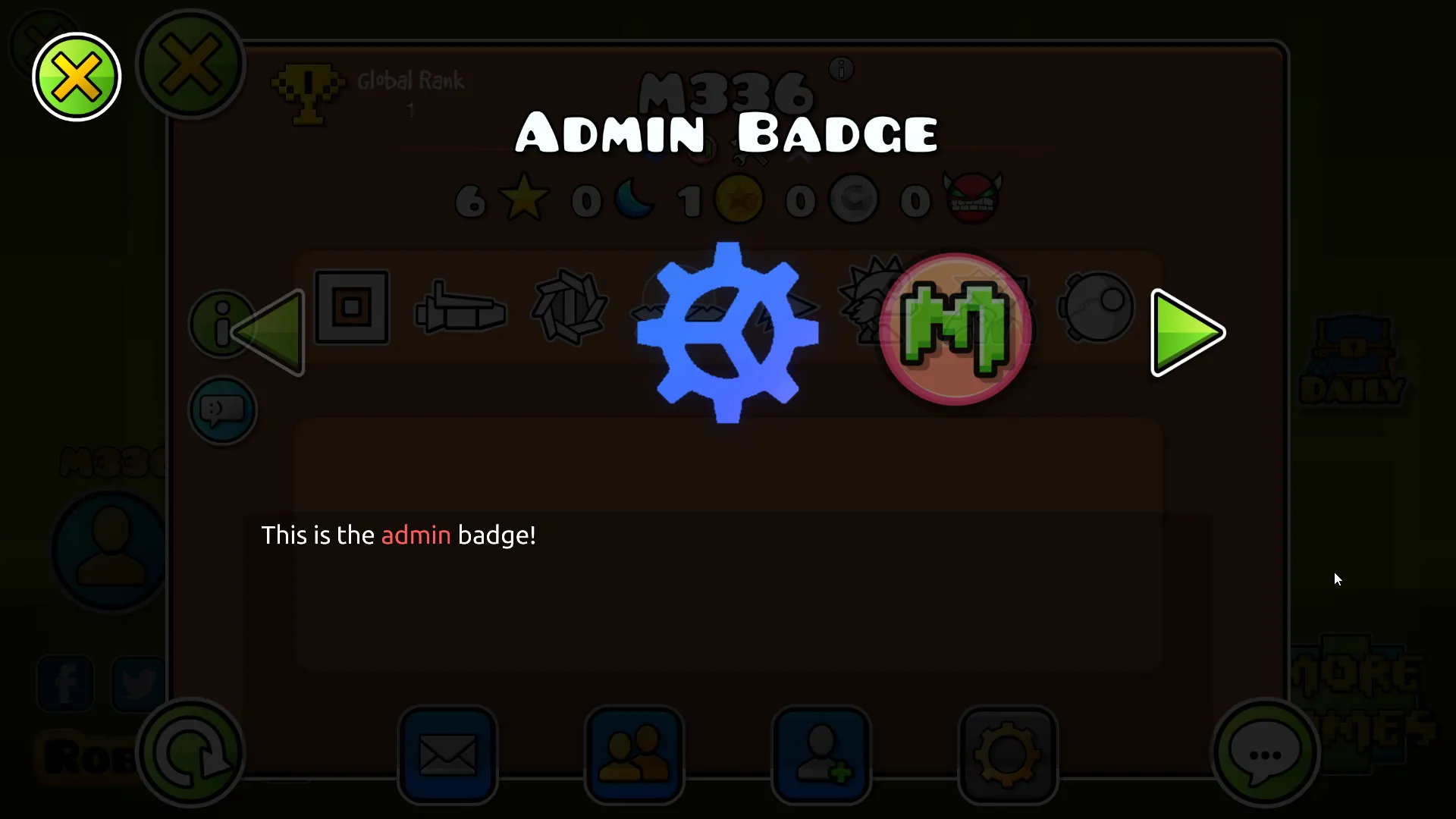
Requirements
Section titled “Requirements”To be able to follow the rest of this guide, you will need to make sure that:
- You have full access to your GDPS’ SFTP
- You have designed some custom badges that you want to add (After all, that’s the point of this guide.. isn’t it? The recommended resolution is 92x92, the mod only accepts the PNG format)
Creating badges.json
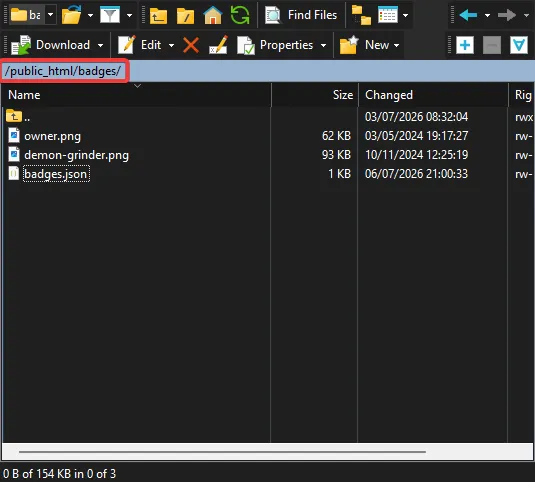
Section titled “Creating badges.json”In SFTP, go to the public root of your GDPS (usually public_html) and create a new folder called badges; this is where you will define properties for your badges and add their textures.
Inside the badges folder, create a badges.json file and fill it according to this example:
[ { "id": "owner", "name": "Owner", "description": "This is the <cr>owner</c> of this GDPS!", "requirements": { "players": [ 72 ] } }, { "id": "demon-grinder", "name": "Demon Grinder", "description": "This player has beaten over <cr>2,500</c> demon levels!", "requirements": { "minDemons": 2500, "maxDemons": 9999 } }]Possible requirements
Section titled “Possible requirements”| Property | Description | Example |
|---|---|---|
players |
A whitelist of account IDs that can have the badge | "players": [ 72, 73, 74 ] |
modBadge |
Add the custom badge if one of the mod badges is present. Can be either leaderboard, elder or regular |
"modBadge": "elder" |
minRank |
Minimum global rank required to have the badge | "minRank": 1 |
maxRank |
Maximum global rank allowed to have the badge | "maxRank": 100 |
minStars |
Minimum number of stars required to have the badge | "minStars": 1000 |
maxStars |
Maximum number of stars allowed to have the badge | "maxStars": 5000 |
minMoons |
Minimum number of moons required to have the badge | "minMoons": 500 |
maxMoons |
Maximum number of moons allowed to have the badge | "maxMoons": 2000 |
minGoldCoins |
Minimum number of secret coins required to have the badge | "minGoldCoins": 50 |
maxGoldCoins |
Maximum number of secret coins to have the badge | "maxGoldCoins": 164 |
minSilverCoins |
Minimum number of user coins required to have the badge | "minSilverCoins": 100 |
maxSilverCoins |
Maximum number of user coins allowed to have the badge | "maxSilverCoins": 500 |
minDemons |
Minimum amount of demons beaten required to have the badge | "minDemons": 10 |
maxDemons |
Maximum amount of demons beaten allowed to have the badge | "maxDemons": 100 |
Adding the badge icons
Section titled “Adding the badge icons”Now, just drag and drop the textures you have into the badges folder.
Make sure that it has the same name as the ID you put for the respective badge in badges.json!
For example, if you want to add the texture for the Demon Grinder badge above, you’d drag and drop a file named demon-grinder.png.
Sharing the mod
Section titled “Sharing the mod”Now, just inform your players that your GDPS is compatible with the mod:
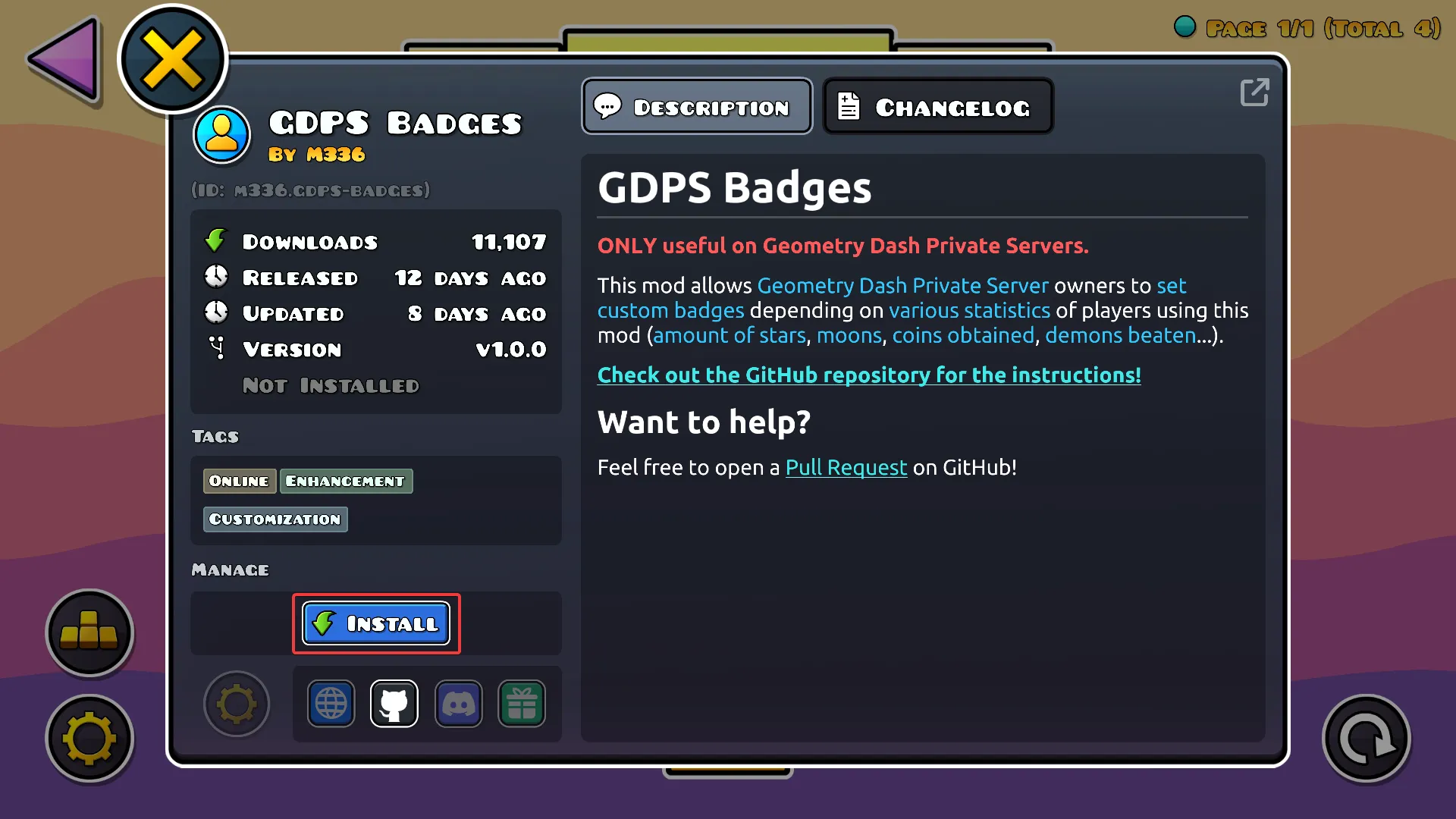
- Either by downloading it manually and putting it in the Geode mods folder,
- Or, in-game, downloading it from the index as shown below:
Last updated: July 27th, 2026